Quickstart: Secure Zones
Written By Luke Wakefield
Last updated 7 months ago
Step 1: Create or Edit a Secure Zone
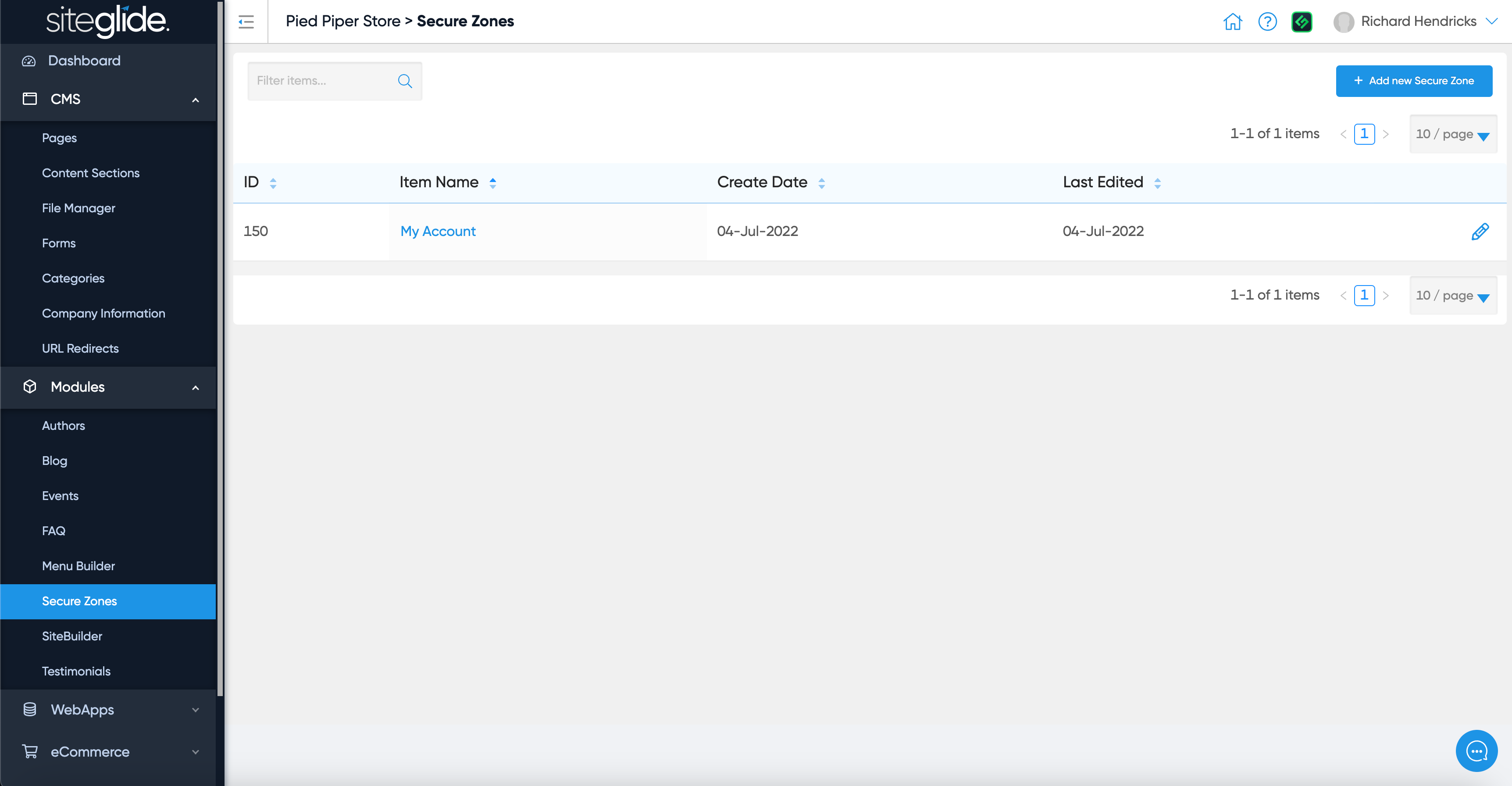
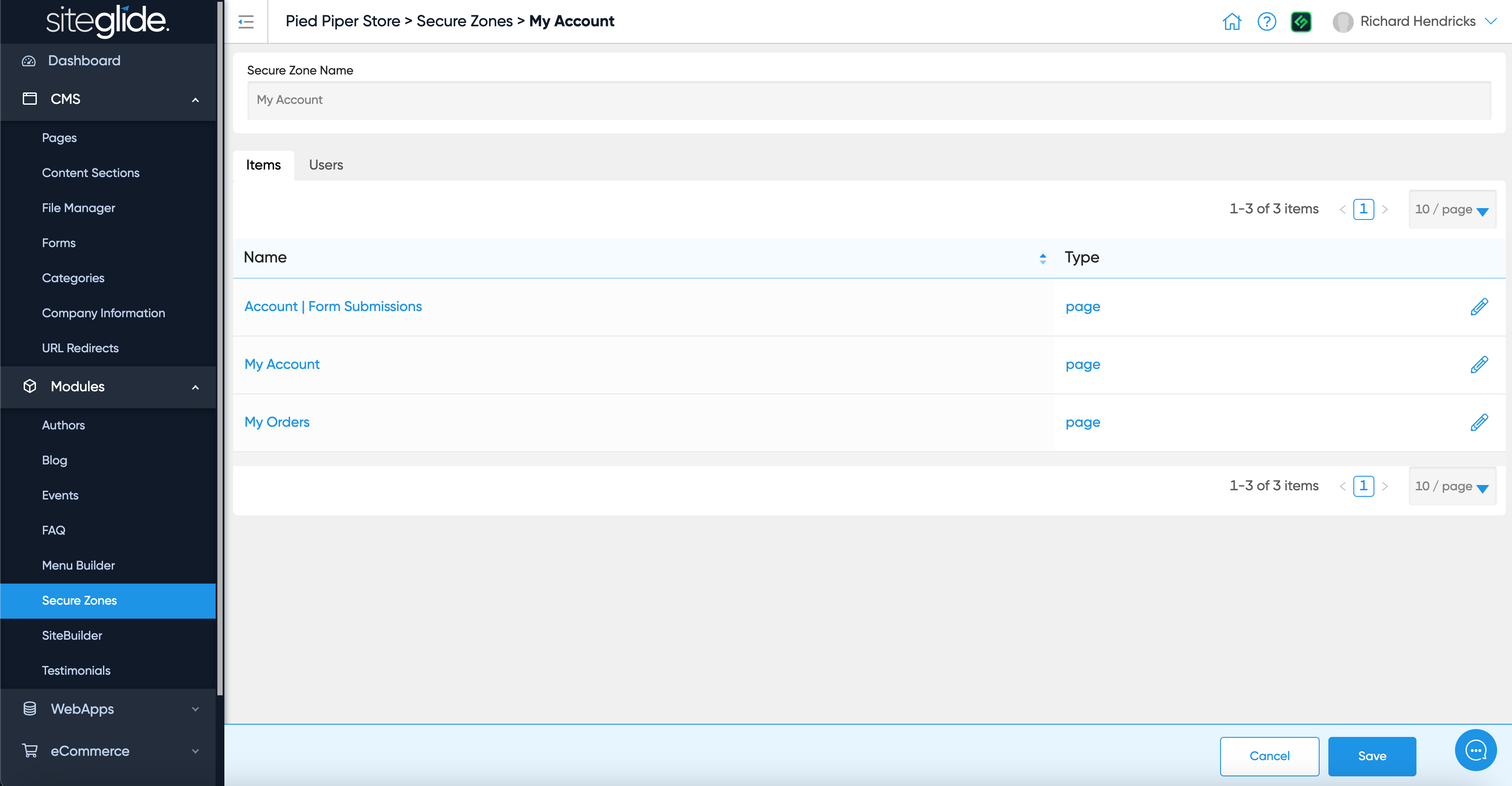
Step 2: Manage Items
You can see any Pages/Items that are already in the Secure Zone:
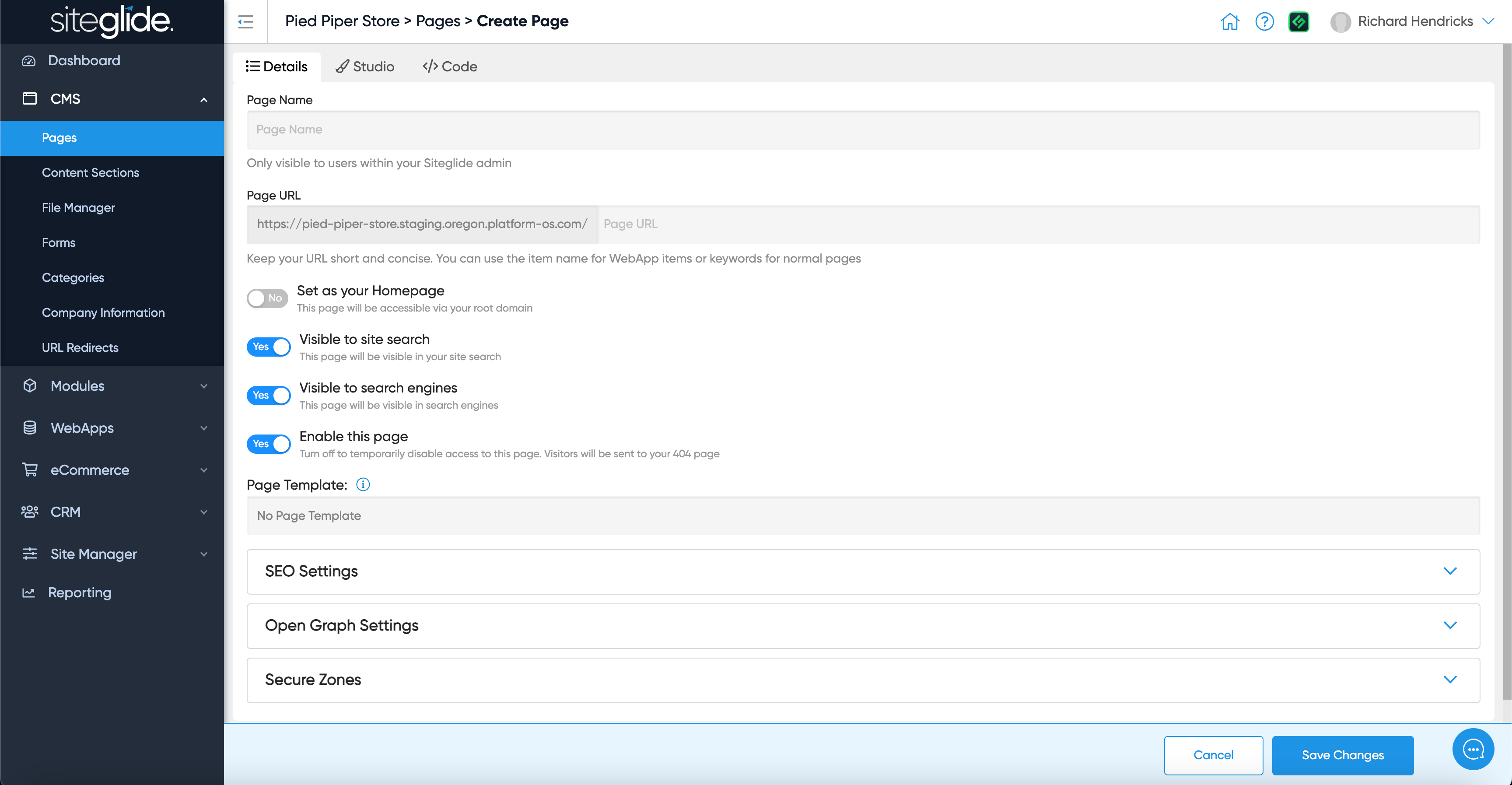
To add more items go to a specific Page or Item and add it to the Secure Zone (e.g. a Page has the Secure Zone section at the bottom of the Details tab):

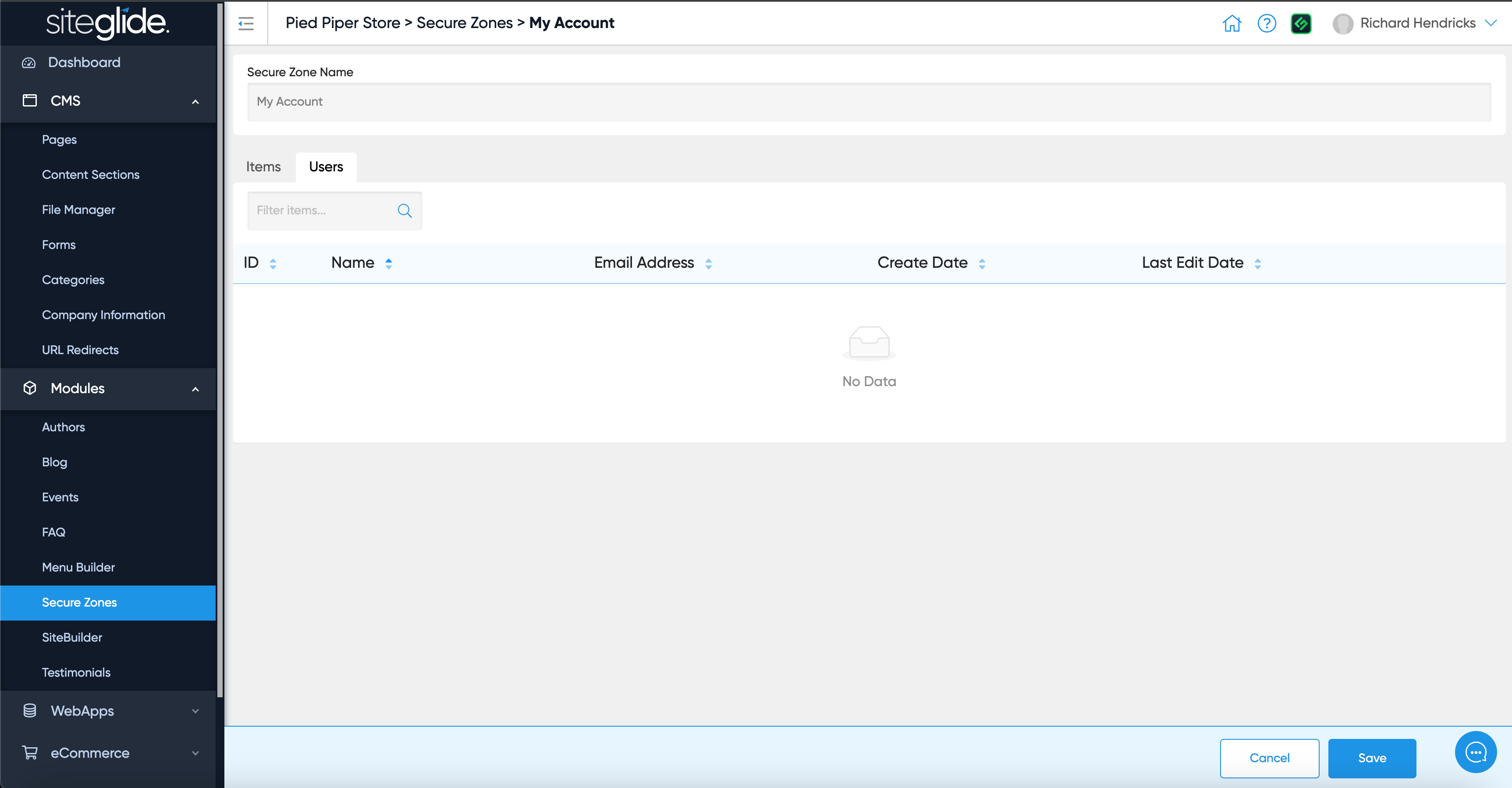
Step 3: Manage Users
You can also see what Users are assigned to this Secure Zone:
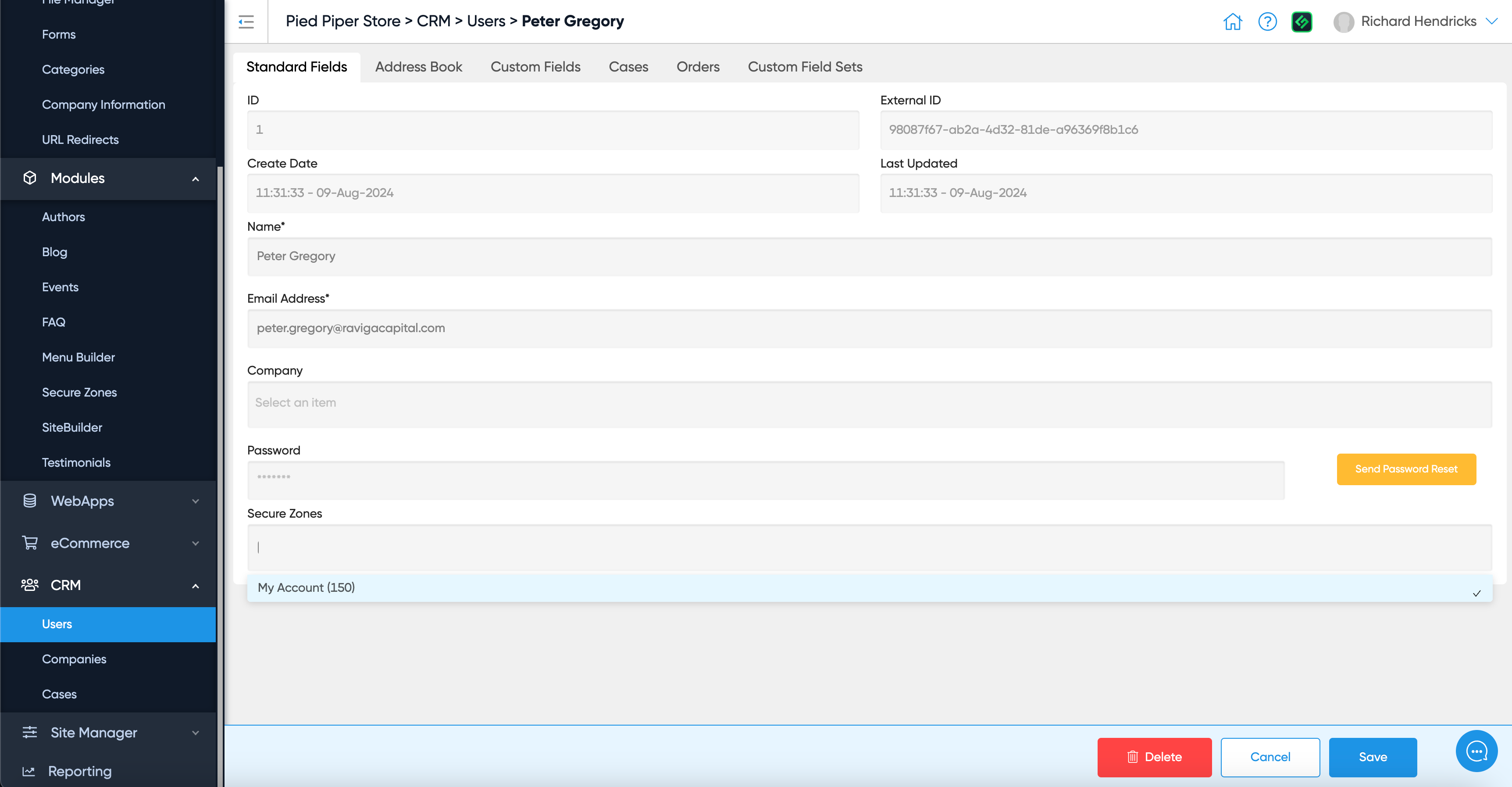
Again, you can add Users to a Secure Zone by going to a specific User in the CRM:
Learn More
See Secure Zones Liquid Reference to learn more about using Liquid to build secure-zones functionality into pages and sections.
Was this helpful?
Still need help? Ask the team