Webapp datasource items not showing in Studio preview editor
Webapp datasource items are not visible in the Studio preview editor, but they display correctly on the full page. Studio field datasources are working normally
Studio preview:
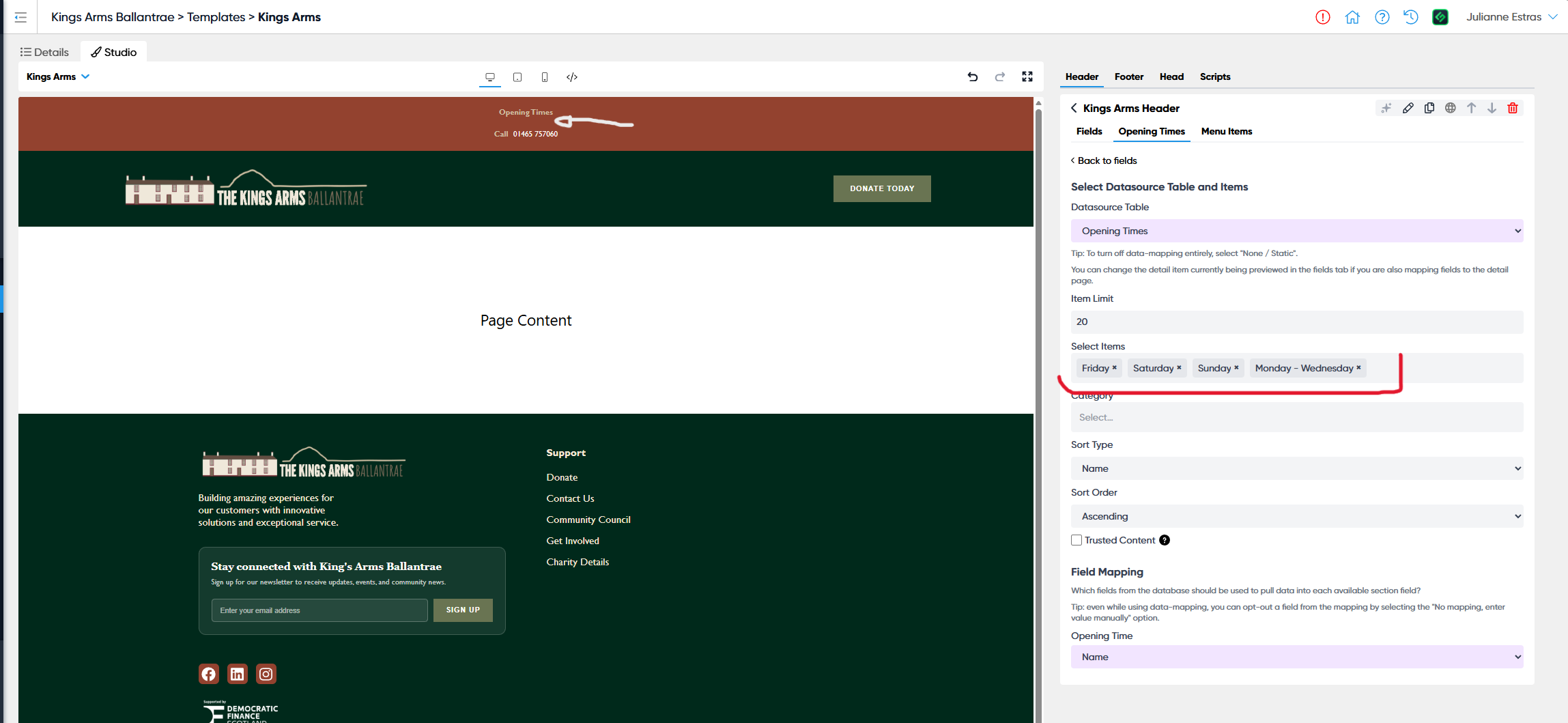
Full page preview:

Log in to comment and vote
Comments2
Devon Reehl
Jul 8
When testing this, do be sure to test it with multiple sections on the same page. Here’s what I mean….
Add a section with data mapped from a web app. Try outputting the data by selecting individual items OR outputting by category. Save your page.
Now add a second section to your page. Do the same process, outputting by Category. Make sure it works as expected.
What we’re finding is that if we add multiple blocks to the same page, and each have them output by Category, the last two on the page MIRROR each other. Meaning if you make a change on the last section, it updates the second to last section with the same settings.
Devon Reehl
Jul 2
Here’s a related element to this bug that I outline for Luke in a call today. Here’s a two minute video explaining it:
https://www.loom.com/share/e1ef8d335c334989b22b7b7a06ff3f93