Site Copies
Written By Luke Wakefield
Last updated 8 months ago
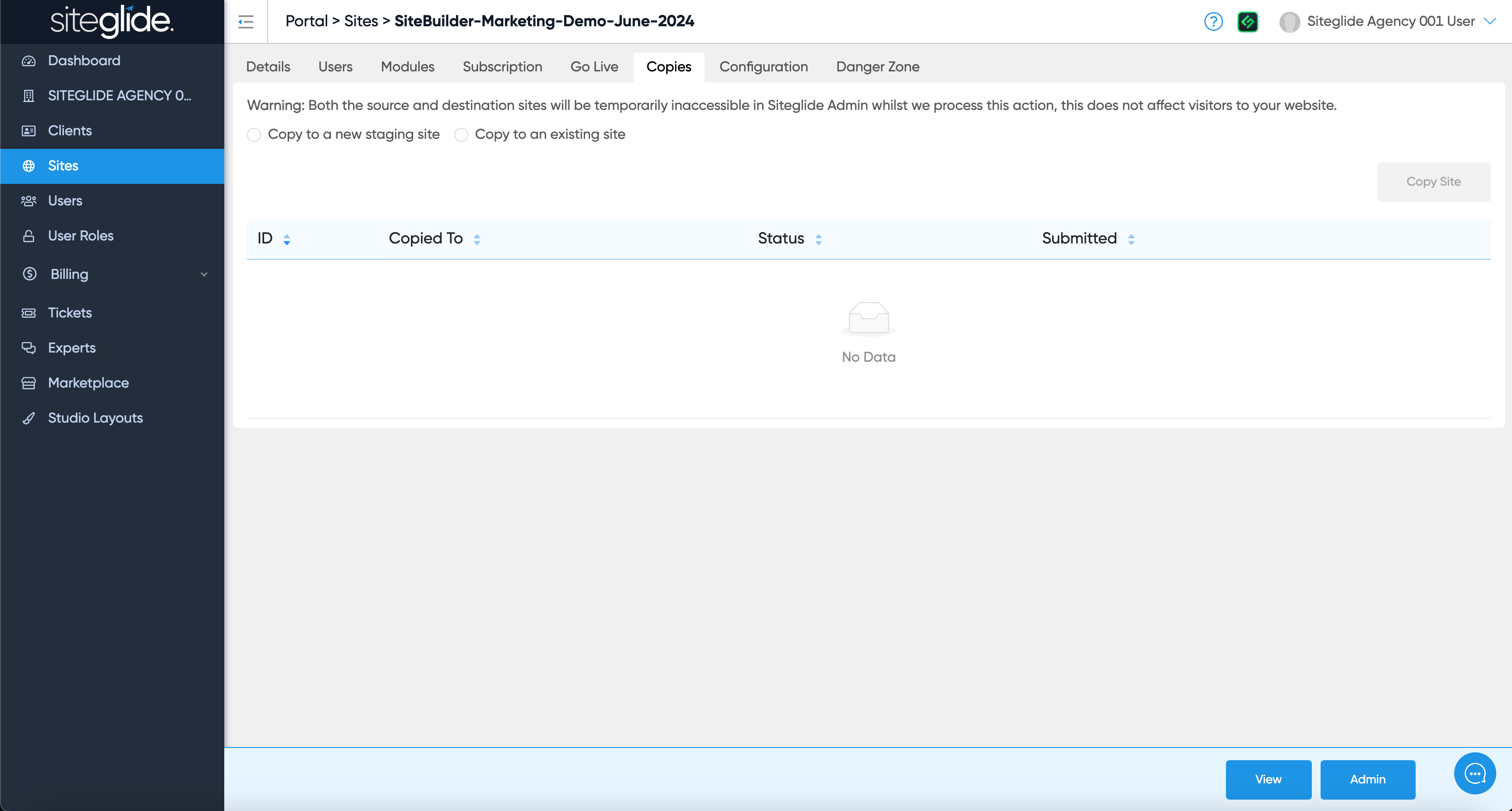
An Agency only feature is being able to make copies of existing sites either to a blank Staging or to an existing Site (can be a Production Site):
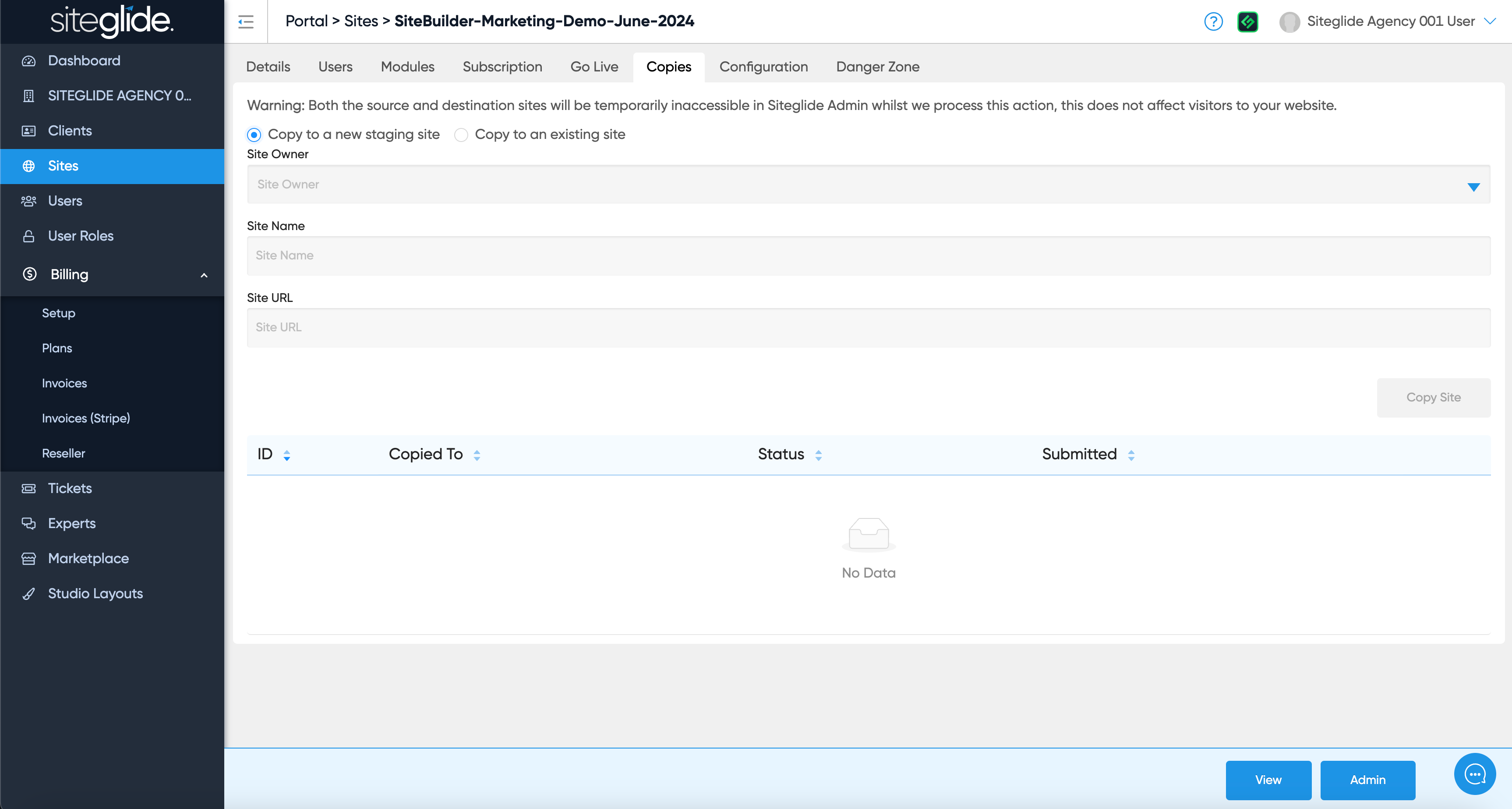
To copy to a new Staging Site click the first radio button and then choose the Site Owner (your Agency or a Client folder) and give the Site a Name/URL:
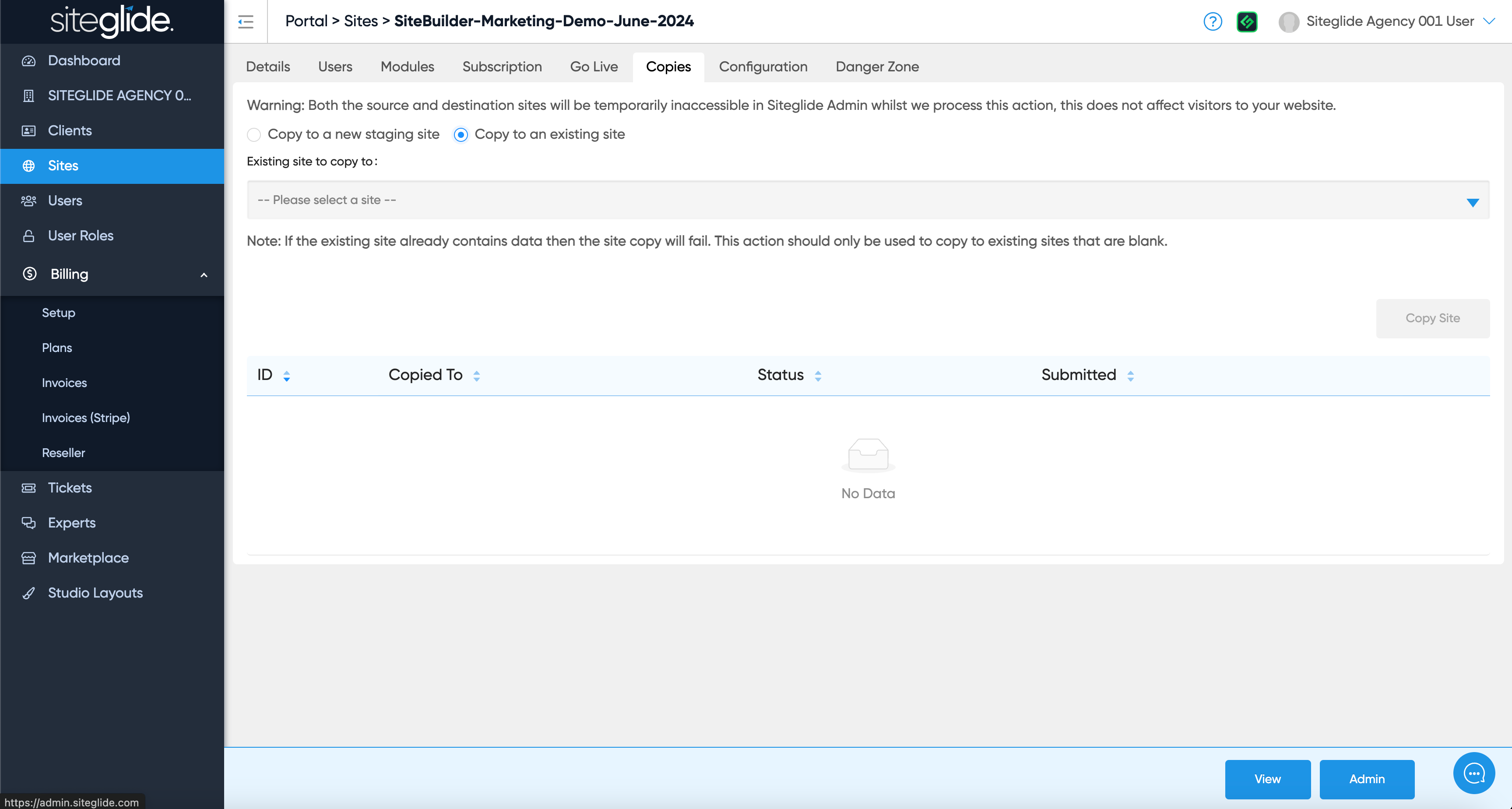
To copy to an existing site (Trial or Production) click the second radio button and then choose the Site from the dropdown:
Was this helpful?
Still need help? Ask the team