Updates

Follow new updates and improvements to Siteglide.

9th September 2026: CLI v1.11 with MCP (Alpha)
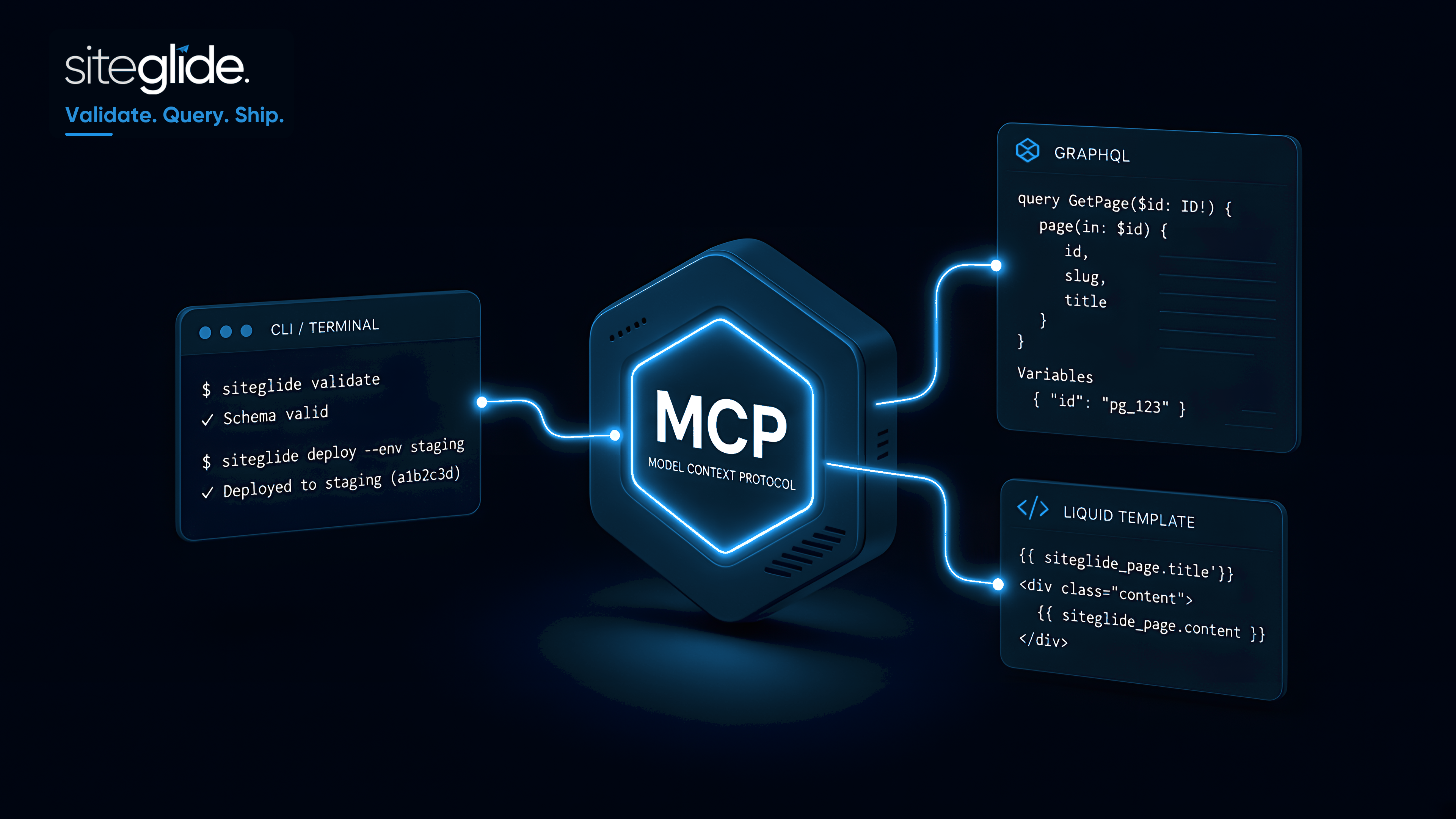
This is another big one. We're excited to announce the release of Siteglide CLI v1.11 featuring the Siteglide MCP in Alpha. MCP is Model Context Protocol and it’s a game changer in how AI can assist with getting the most from Siteglide.

Siteglide MCP is currently in Alpha and only available with CLI v1.11 onwards.

While in Alpha please use for testing purposes by copying a site to Staging.

We really value feedback while in Alpha to help us improve it and release faster.

What is it?

Siteglide MCP connects your AI coding assistant to your Siteglide project. Instead of only editing files locally, the assistant can validate Liquid, run GraphQL, evaluate templates against staging, and read logs — using the same Siteglide CLI setup you already use.

Works with Cursor, Claude Code, Windsurf, and other editors that support MCP.

What the MCP assistant can do

Capability

What it helps with

Validate code

Check Liquid, GraphQL, and YAML before write

Run Liquid

Render templates against staging (not production)

Run GraphQL

Read or update CMS / WebApp / CRM data

Fetch logs

Inspect recent platform errors

List environments

See staging vs production URLs safely

Production is protected: Liquid evaluation on production is blocked, and production GraphQL changes require your explicit approval.

How to get started with MCP

Full details and setup instructions: Siteglide MCP (Alpha)

Examples of MCP in action

Import pixel perfect design:

Siteglide functionality example (Chatbot):

What’s next for CLI and MCP?

  1. Build in more wizard-like behaviour to CLI for a better user-experience:

  • Create a log of currently running and past commands (per env) which AI and CLI can use to understand the context pull/deploy/sync history

  • AI to help setup Github repo to manage versioning

  • Handle git conflicts smoothly by comparing files

  • Automated git commits before and after pull, so work is never completely lost from history

  • Better library for users responding to choices from the CLI

  1. User roles and permissions to control access to CLI and MCP like with Admin.
NewImproved

24th June 2026: Major Studio Update (v2.0.0) - Introducing Libraries and StudioKit

NOTE FOR LIVE SITES: Site Copy to Staging Recommended. This is a big update and we’d recommend updating the Studio Module on a copy of the site first and contacting us if you see any issues. You can then also update to use Libraries, please contact us if you’d like help with the update.

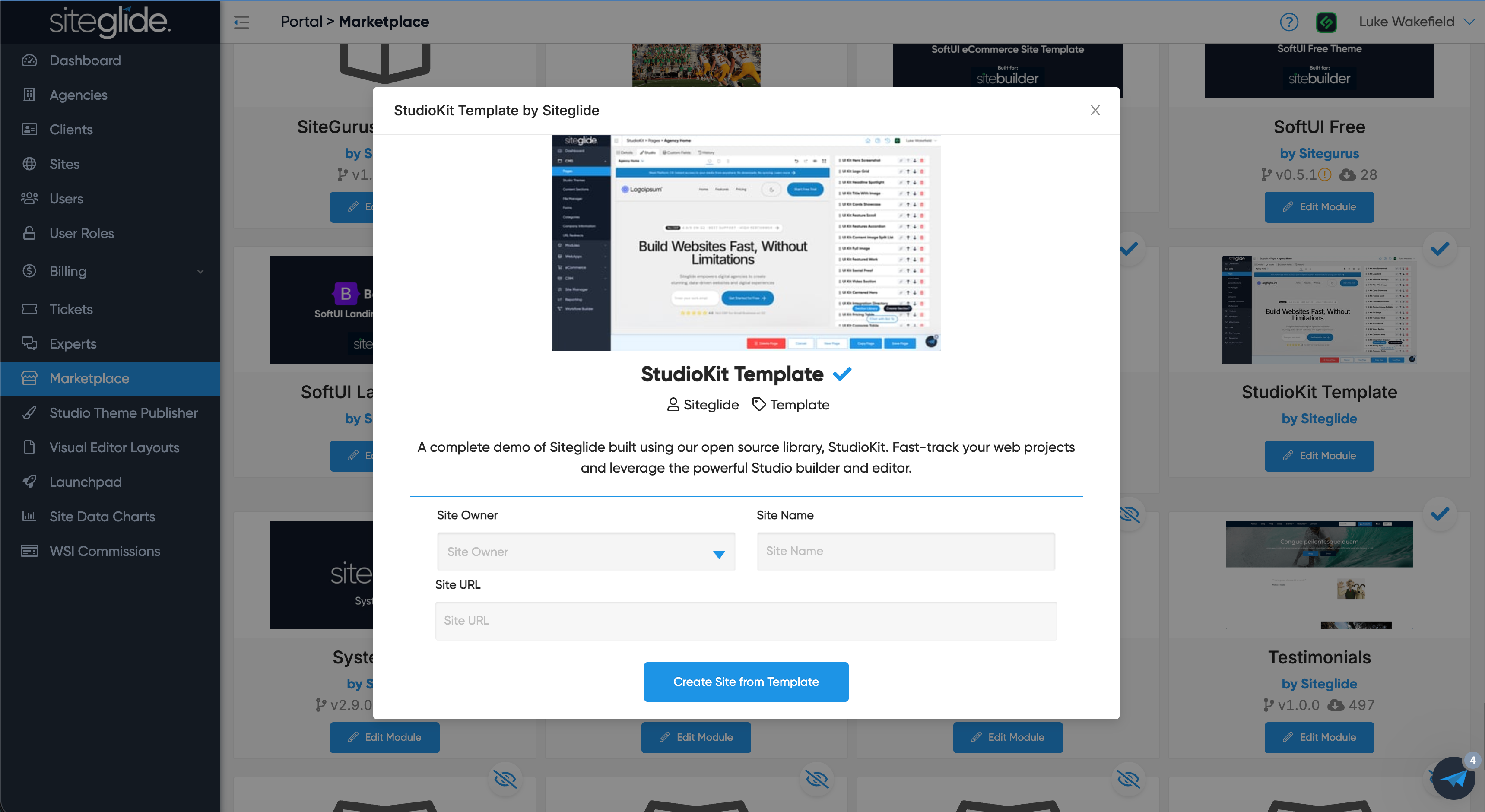
Better still start from the StudioKit Template in Marketplace to test and get familiar with Libraries first.

Version 2.0 is here. This is the biggest update we’ve made to Studio and it’s a game changer.

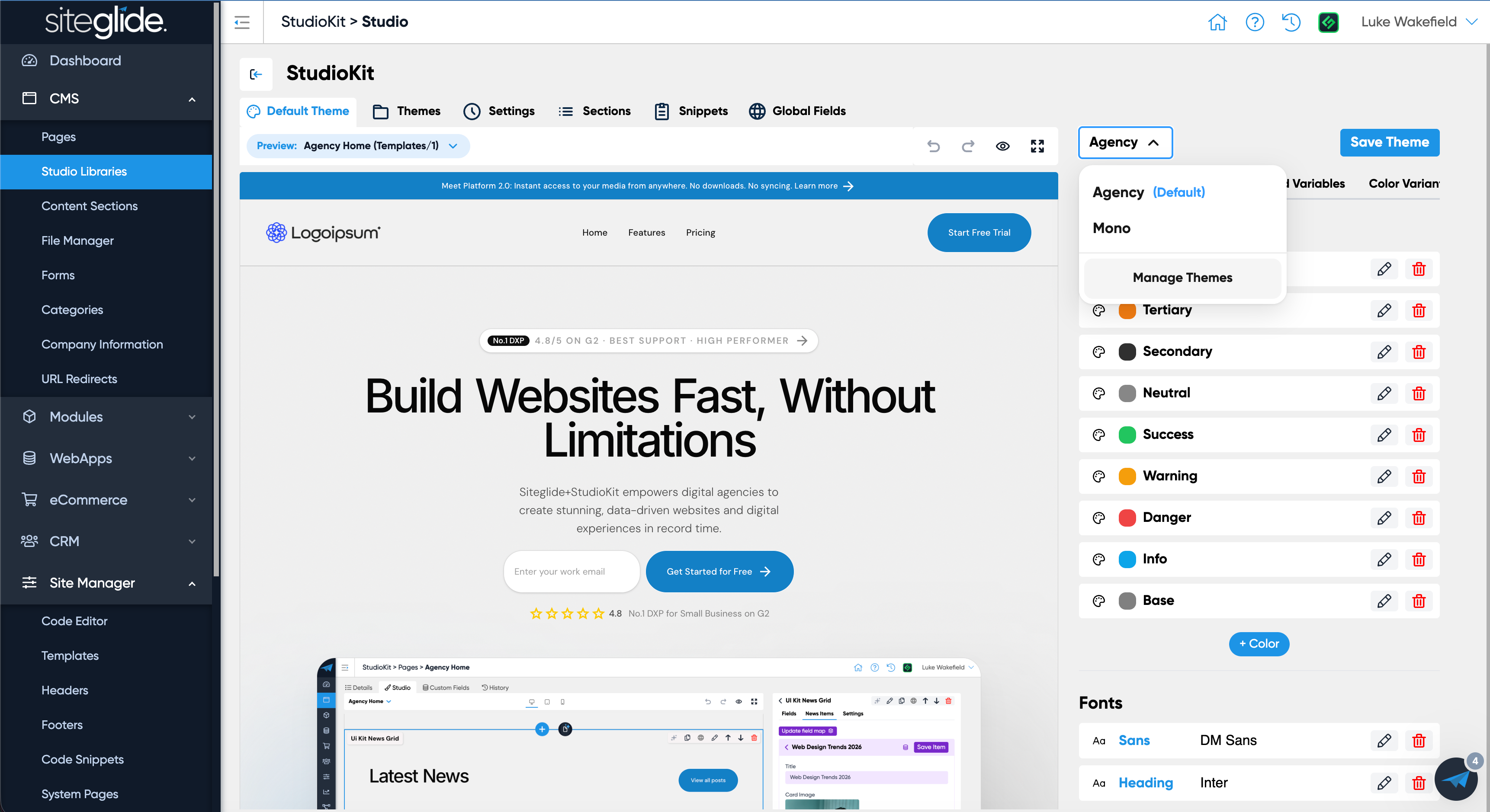
Introducing Libraries, a single source of truth for your codebase that helps keep everyone on rails including your AI tools and agents.

AI can be incredibly useful in web design and development but as with anything “what you get out is only as good as what you put in”. This couldn’t be more true, so if you give it the design AND codebase then you can get incredible results. Combine that speed/efficiency with the powerful but simple Studio editor and you’ve got all the benefits with no downside.

To showcase Libraries and the vision behind them we’re releasing an open source Library called ‘StudioKit’ that you can fork and customise, or, contribute to. Alternatively you can add your own libraries or start from scratch.

If you’ve already been using Studio then you’ll be familiar with ‘Themes’, but now ‘Themes’ sit within ‘Libraries’. This means you can apply multiple Themes to a Library and you can switch out a Theme in 1 click and it’ll update the whole site!

We will be overhauling our Docs and Guides in the coming days/weeks to ensure you can hit the ground running with Studio V2 but we wanted to get it in your hands asap. Reach out as always via support if you’d like any help including switching a V1 Studio site (Themes) to V2 (Libraries) - it’s relatively easy and we don’t need to use the ‘m’ word…[no migration needed!]

Watch the video for full details but better we let the product do the talking so grab a copy of the new ‘StudioKit Template’ from the Marketplace:

https://admin.siteglide.com/#/portal/community/marketplace?module_id=952739

There are also a whole host of other fixes/improvements to Studio in this release based on feedback from users, we really appreciate your help in making Studio the tool it is today.

Zapier Update for Pages API Endpoint

We also managed to sneak another update into this release. Our last release was the Site API - Pages Endpoint, we’ve now updated the Zapier integration to allow you to use this new Pages API Endpoint:

Triggers:

  • Pages - New

  • Pages - Updated

Actions:

  • Pages - Create

  • Pages - Update

Minor Patches

2.3.0 - 10th July 2026

  • Added support for content_for, yield and export Liquid tags so they can hoist variables from the page up to the Page Template for Studio. Note for backwards compatibility, pages will be upgraded to this new feature when Studio version > 2.3.0 and the page is saved in Admin.

  • Fix for when HTML is used in Webapp / Module field helper text, then that table is used in Studio

  • Show only similar types of page in page-switcher

  • Fix for selected webapp / module item in mapping not persisting

  • Clarify effect of no-mapping in lists

  • Fix for section initially empty on load

  • Fix for attaching code to section editor Sid

  • Improved logic of user-role permissions in Studio

  • Fixed false positive unsaved changes warning

  • Unsaved changes warning when publishing a library

  • Added Sid for Page Templates

  • Fix for datasourced webapp / module items sometimes not showing in Page Templates

  • Added filtering in section library to filter by whether section is global or not

NewImproved

16th June 2026: Site API - Pages Endpoint (GET, POST, PUT)

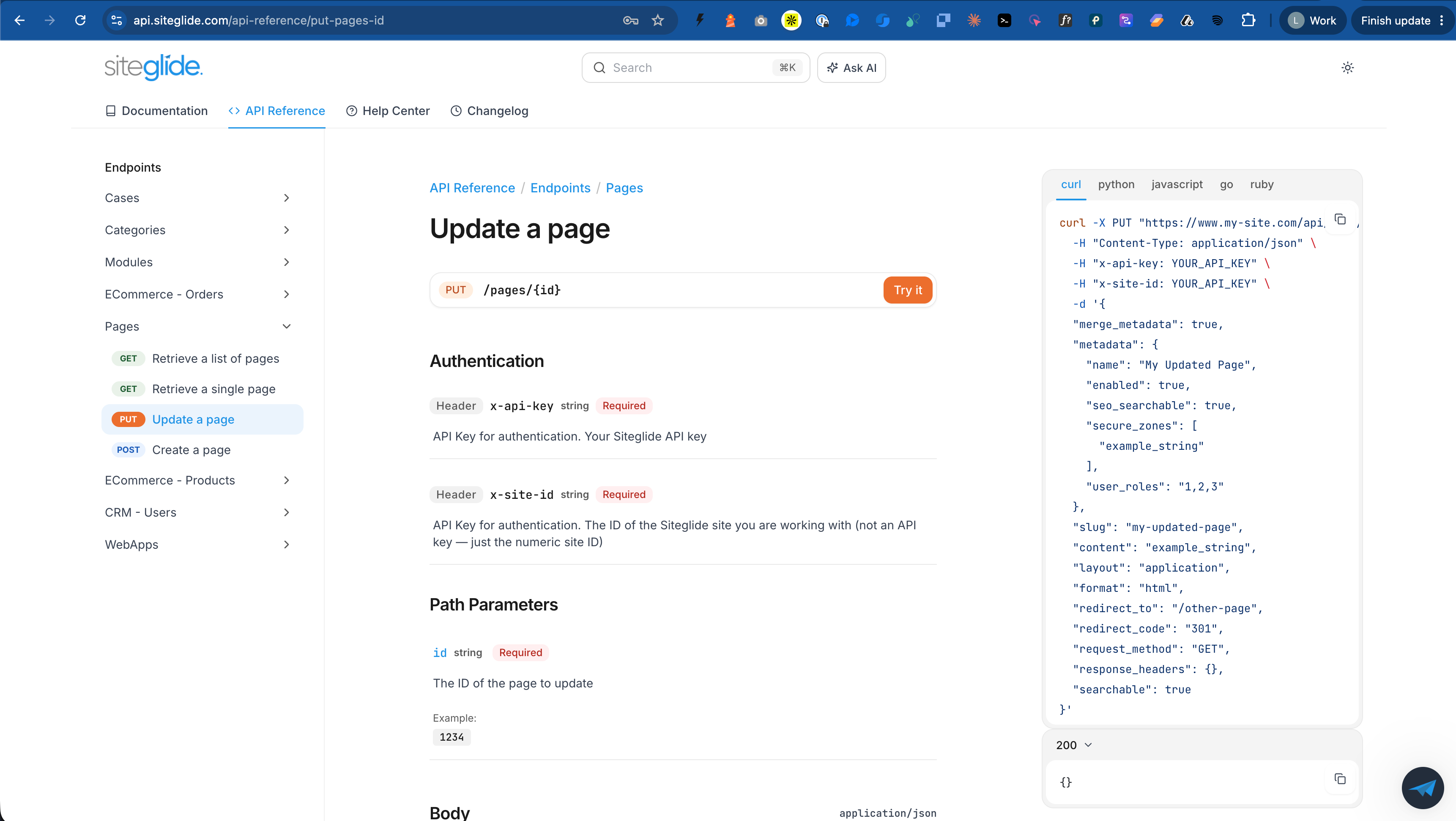
A small but powerful update that allows you to interact with Siteglide Pages remotely and automate processes. Roadmap item: https://feedback.siteglide.com/p/pages-api-endpoint

We’ve also revamped our API documentation to make using the API easier, API Docs have a new home at: https://api.siteglide.com/

Note this is using Site API, if you’re using our Legacy API we strongly recommend upgrading to use Site API.

Pages Endpoints

Get Pages: https://api.siteglide.com/api-reference/get-pages

Get Specific Page: https://api.siteglide.com/api-reference/get-pages-id

Update a Page: https://api.siteglide.com/api-reference/put-pages-id

Create a Page: https://api.siteglide.com/api-reference/post-pages-create

Other Updates (Coming soon!)

We also have a big Studio update coming so keep an eye out for ‘Libraries’, the efficient and best practice way to build and manage sites. If you’re adopting AI into your workflow then you’ll likely see great results as it can read the Library codebase and help avoid hallucinations. More on this very soon!

New

Earlier updates